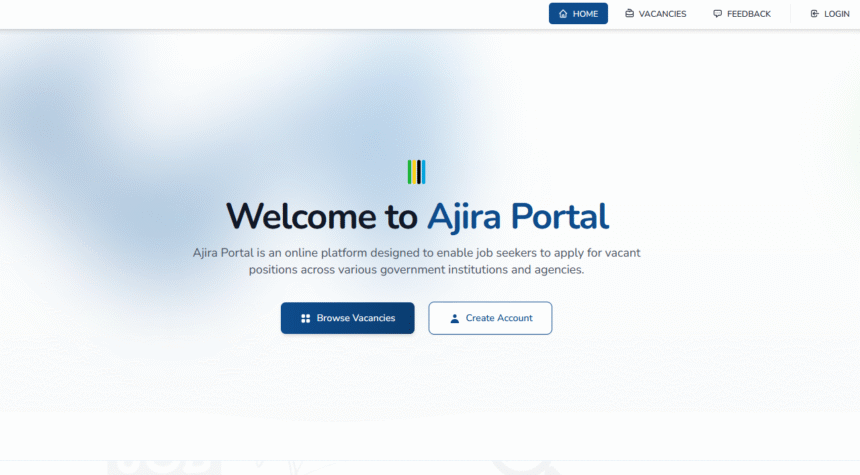
The Ajira Portal is the official platform managed by the Public Service Recruitment Secretariat (PSRS) that allows job seekers to register, create an account, and apply for public service vacancies online. In this guide from Habarizone, we’ll walk you step by step on how to create Ajira Portal account, activate your profile, and get started with job applications.
Step-by-Step Guide to Creating Ajira Portal Account
Habarizone
Creating an account on the Ajira Portal (portal.ajira.go.tz) is the first step for anyone in Tanzania who wants to apply for government jobs online. The process is simple, but it is important to follow each step carefully to ensure that your account is successfully activated. Here’s a complete guide
Requirements for Registration
- NIDA Number (National Identification Number) – This is compulsory for all applicants.
- Valid Email Address – You must use an email you can access because all account confirmations and job alerts will be sent there.
Registration Steps
1. Visit the Ajira Portal
Open your web browser and go to the official Ajira Portal website: portal.ajira.go.tz This is the only official platform managed by the Public Service Recruitment Secretariat (PSRS).
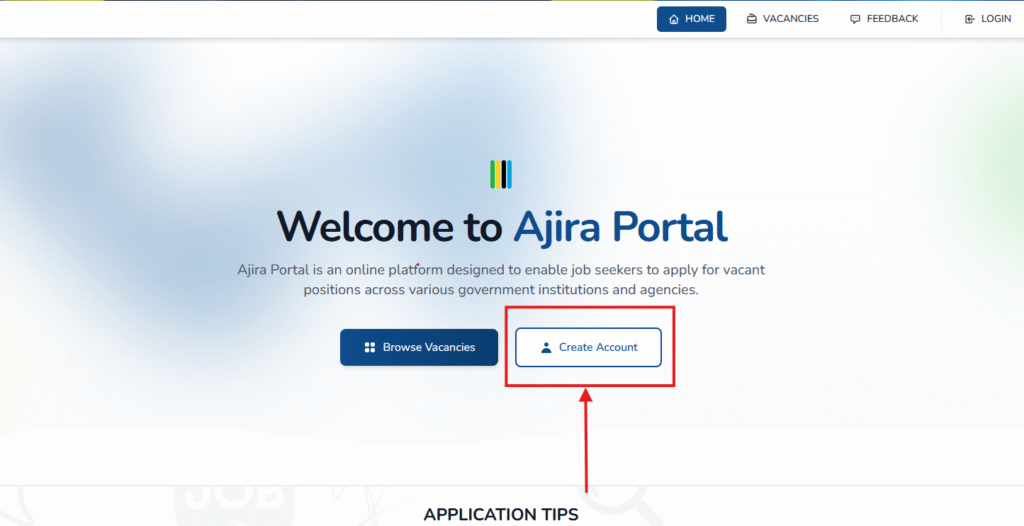
2. Find the Registration Option
On the homepage, click on the “Create Account” button. This will take you to the registration form where you can begin create Ajira Portal account.
3. Enter Your Details
You will be asked to provide your email address and create a secure password. Make sure the email you use is valid and accessible, as all confirmations and job alerts will be sent there.
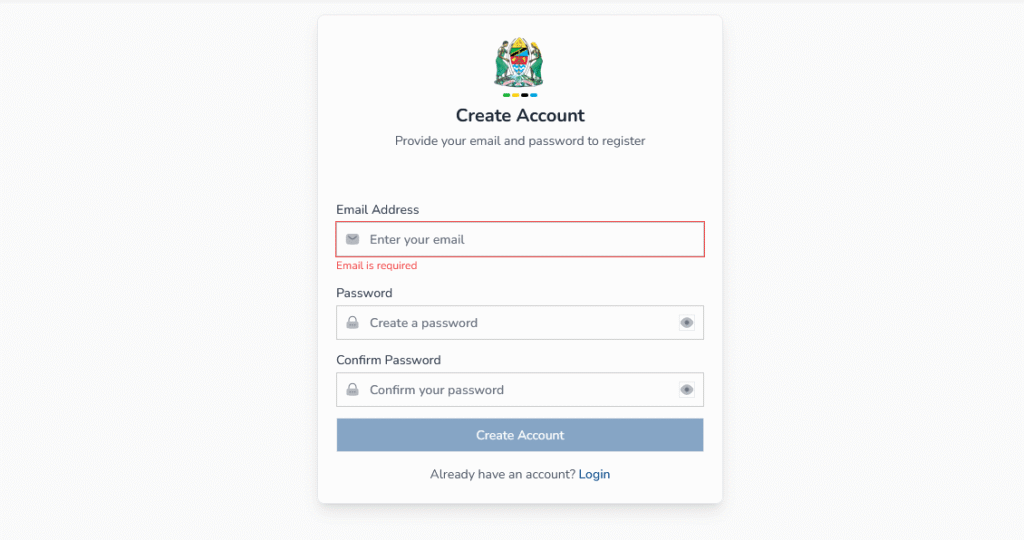
4. Complete Registration to create ajira portal account
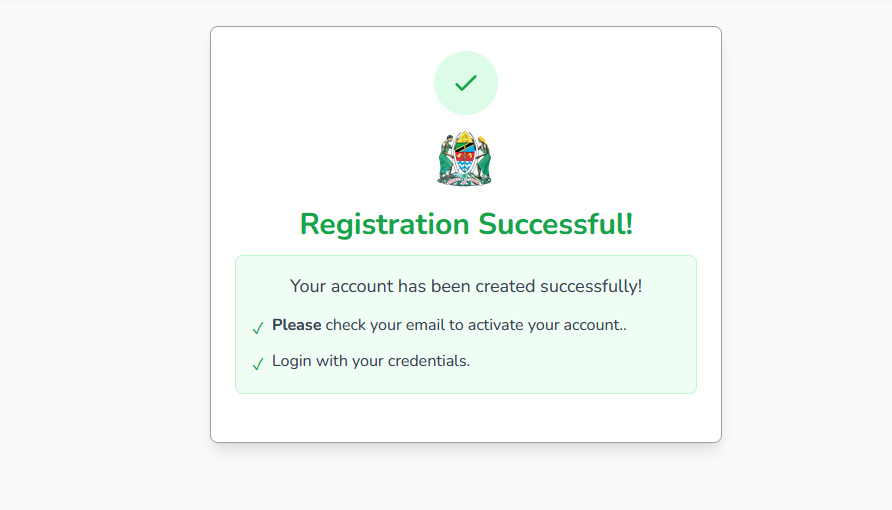
After filling in your details, click “Create Account” to submit the form. Your details will be saved, but your account is not yet active until you confirm it via email.
5. Verify Your Account
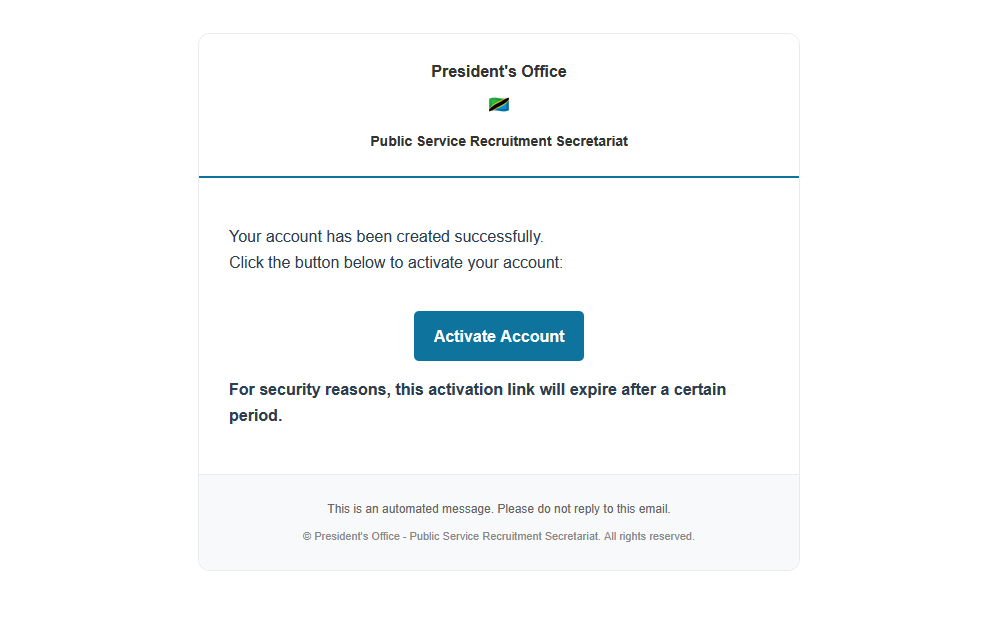
Check your email inbox (and don’t forget to look in the spam/junk folder) for a message from the Ajira Portal. Open the email and click the activation link provided (Activate Account) . This step is necessary to confirm your registration and fully activate and create Ajira Portal account your account.
After Registration – What Next?
Once you create Ajira Portal account and activate it successfully, you can log in to access additional features:
✅ Fill Out Your Profile
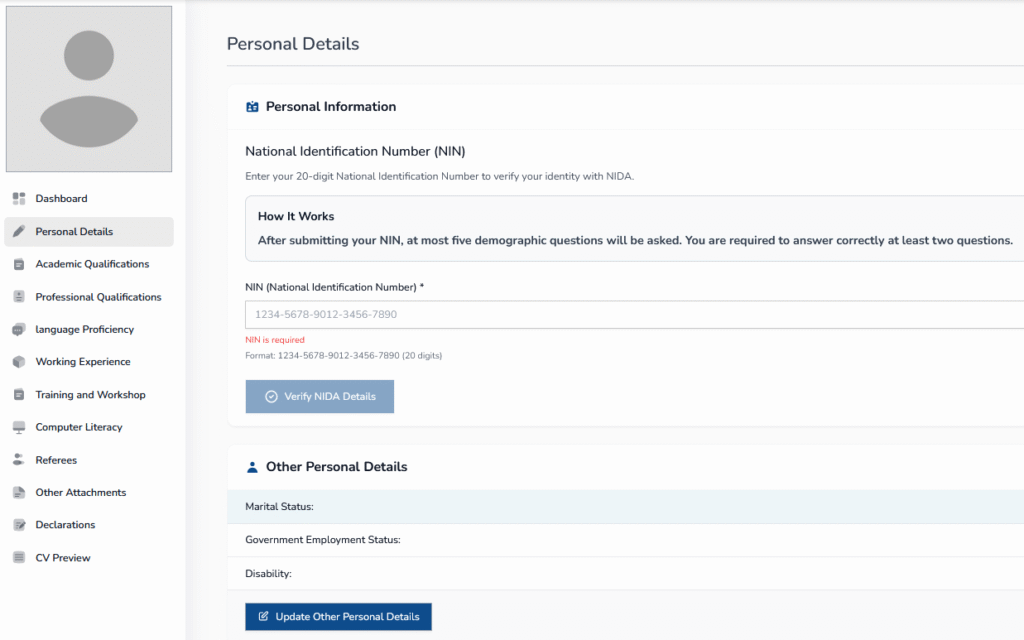
Update your profile with accurate personal information, academic qualifications, work experience, and other required details. Completing your profile increases your chances of being shortlisted for jobs.
✅ Upload Supporting Documents
Most job applications require scanned documents such as certificates, transcripts, or identification. Upload them in PDF format for easy access by recruiters.
✅ Search and Apply for Jobs
Browse the list of available government job vacancies on the portal and apply directly online. You can apply to multiple vacancies as long as you meet the requirements.
✨ Tip from Habarizone: Always double-check your details and uploaded documents before submitting any job application on the Ajira Portal. An incomplete or inaccurate profile can reduce your chances of being shortlisted.
Contact Us
If you have any questions or need assistance while creating your Ajira Portal account, feel free to reach out to us:
- Email : info@habarizone.com
What is the Ajira Portal?
The Ajira Portal (portal.ajira.go.tz) is the official online platform managed by the Public Service Recruitment Secretariat (PSRS) in Tanzania, where job seekers can register, create an account, and apply for government job vacancies
What do I need to create an Ajira Portal account?
You must have:
A valid NIDA Number (National Identification Number)
A working email address that you can access
A strong password of your choice
Can I register without a NIDA Number?
No. The NIDA Number is mandatory for all applicants. Without it, you cannot create an Ajira Portal account.
How do I activate my Ajira Portal account?
After registering, check your email for a confirmation message. Click the activation link inside that email to verify and activate your account.
What should I do if I don’t receive the confirmation email?
Check your spam/junk folder. If you still cannot find it, log in to the portal and request another confirmation email.
Can I change my email address after registration?
No. Your email address is permanently linked to your Ajira Portal account. Make sure to use an email you will always have access to.
What happens if I forget my Ajira Portal password?
On the login page, click “Forgot Password” and follow the instructions to reset it. A password reset link will be sent to your registered email address.
Do I need to upload documents immediately after registration?
Not necessarily. You can upload your documents later, but it is highly recommended to complete your profile and upload all required documents before applying for any job.
What type of documents should I upload?
You should upload clear and valid supporting documents such as certificates, transcripts, and identification. All documents must be in PDF format.
Can I apply for multiple jobs on the Ajira Portal?
Yes. As long as you meet the qualifications, you can apply for as many vacancies as you want.